Short Links for Your Link in Bio — With Click Analytics
Put a zus.co short link in your Instagram, TikTok, or YouTube bio and see how many people click it, from which country, and on which device. Free to start.
No credit card required
The problem
Instagram, TikTok, and most social apps give you one clickable link in your bio. Whatever you put there — your store, your newsletter, your latest video, or a link-in-bio page you built elsewhere — you usually have little insight into how many people actually click it, and long URLs look messy in a bio.
- A long, raw URL in your bio looks cluttered and gets cut off.
- You can't easily tell how many bio visitors actually clicked through, or where they are.
- When you post on several platforms, you can't tell which bio sends the traffic.
- You change the link often (new drop, new video) and want old posts to keep pointing somewhere useful.
How zus.co solves this
zus.co is a URL shortener, not a bio-page builder. You create a short, clean link — for example zus.co/yourname — put it in your bio, and every click is counted in your analytics. Point it at whatever you want: your shop, newsletter, a single video, or an existing bio page from another tool. Change the destination any time without editing your bio.
See who clicks your bio link
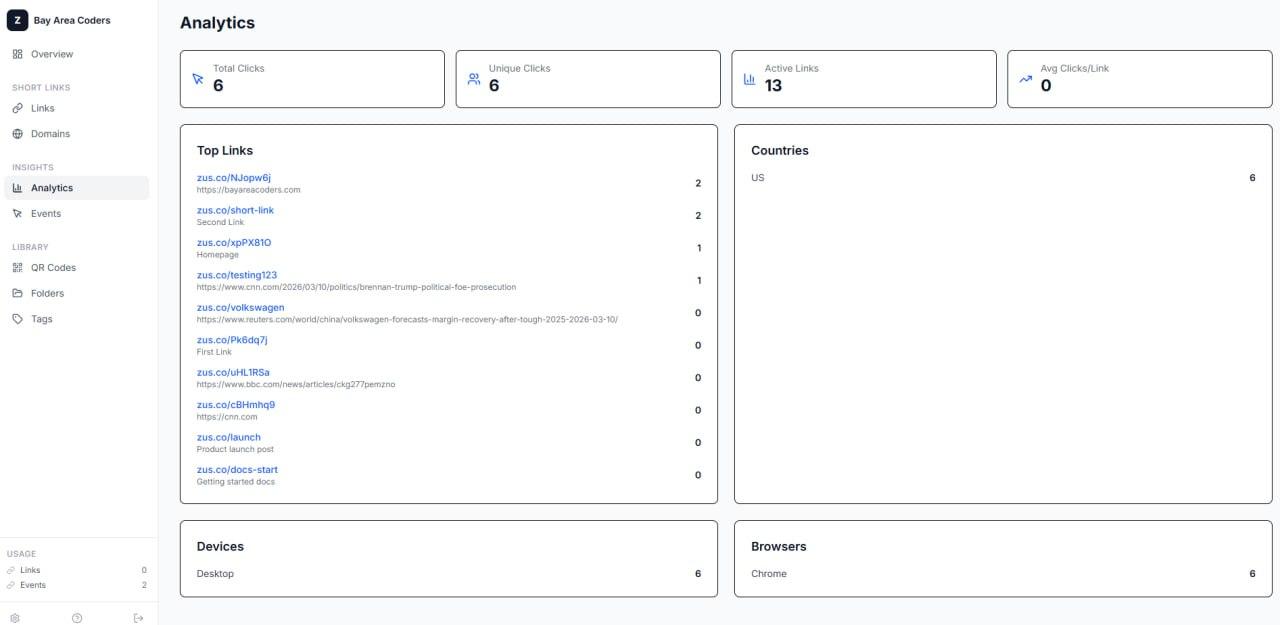
Every short link records total and unique clicks plus a breakdown by country, device type, browser, and referrer. The events feed lists individual clicks, so you can see when a post started sending traffic.
One link per platform
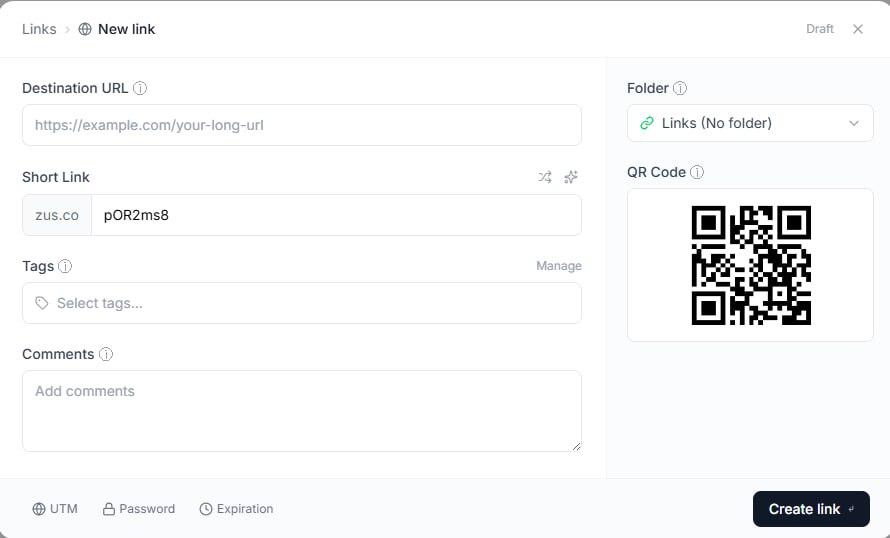
Create a separate short link for each bio — one for Instagram, one for TikTok, one for YouTube — pointing at the same destination. Each link has its own click count, so you know which platform drives visits. Add UTM parameters with the built-in UTM builder if you also use Google Analytics.
Change the destination, keep the bio
Edit where a short link points whenever you launch something new. The link in your bio stays the same, so you don't have to update every profile.
A QR code for every link
Each short link gets a QR code you can download as PNG or SVG — handy for merch, flyers, business cards, or slides that should lead to the same place as your bio.
Your own domain (paid plans)
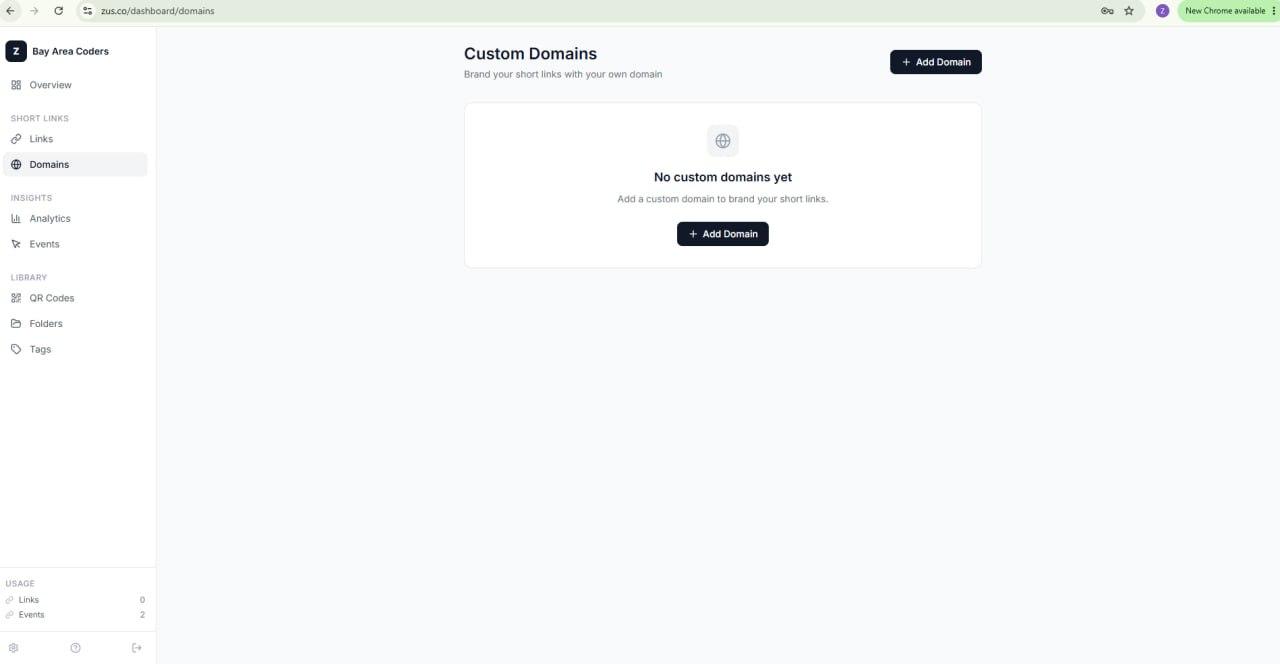
On Pro ($12/mo, up to 5 custom domains) and Team ($29/mo, unlimited) you can use your own domain, like go.yourname.com, instead of zus.co.
Simple pricing for link in bio
1,000 links/mo, full analytics, QR codes, API access
25,000 links, 5 custom domains, password protection, link expiration
Unlimited everything, team workspaces, unlimited domains
Frequently Asked Questions
No. zus.co does not build a multi-button landing page. It creates short links with click analytics. You can put a zus.co link in your bio that points straight to one destination, or point it at a bio page you already have elsewhere and use zus.co to count the clicks.
Yes — create a separate short link for each platform's bio. Each link tracks its own clicks, so you can compare them side by side.
The free plan includes total and unique clicks plus country, device, browser, and referrer breakdowns, with 1,000 new links and 10,000 tracked clicks per month. No credit card required.
Yes. Edit the destination of the short link in your dashboard (or via the API). The short link in your bio stays the same.
Yes, on the Pro plan ($12/mo, up to 5 domains) and the Team plan ($29/mo, unlimited domains).
zus.co links are standard HTTPS URLs, so they work anywhere a platform lets you add a clickable link.
Start free — no credit card
1,000 links per month, full analytics, QR codes, and API access. Free forever.